

An Android phone
Get Skyted Voice from Google Play. It’s free.
Talk into your earbuds at a comfortable volume. Skyted Voice makes you louder for the person in front of you.

Skyted Voice
Ordering a coffee, a family meal, a meeting late in the day: when your voice is soft or tired, people ask you to repeat. Skyted Voice makes it louder for them.

Plug in your headset or pair it over Bluetooth, then open Skyted Voice.
Your headset microphone picks up your voice close to your mouth.
Turn your voice up or down to suit the place, from a quiet living room to a busy street.
Get Skyted Voice from Google Play. It’s free.
For a chat with one person, or in a small space.
For a bigger room, or when your voice needs to reach across a table.
Bluetooth or wired, the headphones or earbuds you already own will do. There is nothing else to buy.
Privacy
Skyted Voice does not record or store it.
Install it together, then let them choose their own volume.
Skyted Voice is only on Android for now. An iPhone version is planned.
Going further
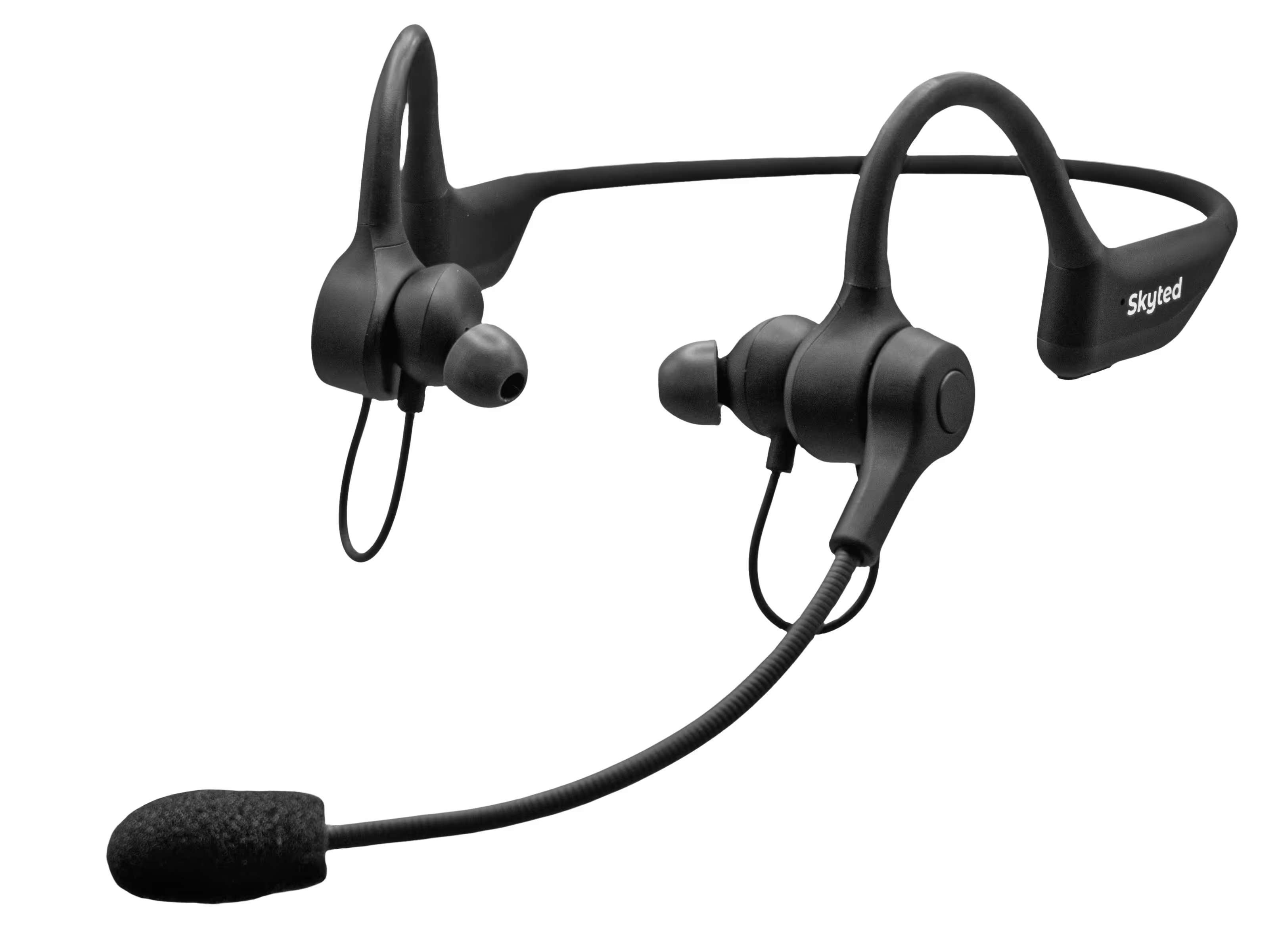
Its boom microphone sits close to your mouth, and Skyted Voice is optimized for it.

Questions about Skyted Voice, or an idea to make it better?


Handilab is an accelerator dedicated to disability and autonomy.
Calls on the move?
Teams in the office?
Technicians in the field?