
The Skyted app 4.0 is here!
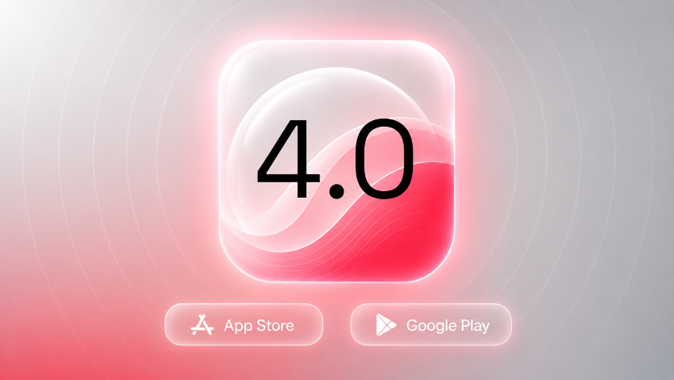
Skyted app 4.0 is here, and the SoundBubble feels brand new
Version 4.0 of the Skyted app is now live on iOS and Android. It is the biggest visual refresh the app has had, and it goes beyond looks: a clearer SoundBubble, a more reliable connection to your Skyted 320, and a smoother experience whichever phone you carry. Whether you switch between commuting and the office, or you just want to see your voice level at a glance, this release is built to feel simpler from the first screen.
Free to update. Ready in seconds.
What changed in the SoundBubble?
The SoundBubble is the gauge that shows how far your voice is carrying. In 4.0 it has been redesigned for both Mobility and Office modes, with a cleaner layout and better readability. The gauge itself is new, with smoother animations and a clearer read on the three levels it tracks: Discreet, Perceptible, and Intelligible. A new headset block groups connection, battery, and the feedback loop setting in one place, so you stop hunting across screens. Alarms and the feedback loop also behave more predictably now. Everything sits where you expect.
Is the connection to your headset more reliable now?
Yes. Bluetooth pairing and auto-connect are more dependable, so your Skyted 320 reconnects with less fuss when you reopen the app. Renaming a headset and forgetting one both work more cleanly, which matters when several 320s share the same room. The firmware update flow has been reinforced too: it handles the different update states, surfaces errors more clearly, and can resume after an interruption instead of leaving you stuck. If a connection drops mid-update, you pick up where you left off. No reset needed.
What feels more consistent across iOS and Android?
Several behaviours that used to differ between the two platforms are now aligned, so what you learn on one device carries over to the other. The account screens got attention as well, with clearer flows for changing your password, deleting your account, and recovering from errors. On top of that, this release folds in a long list of fixes from our testing phases, which adds up to a noticeably more stable app day to day. Fewer surprises. More polish.
How do you update to 4.0?
The update takes seconds. Open the App Store or Google Play, update the Skyted app, then launch it and pair your Skyted 320 as usual. From there, the redesigned SoundBubble walks you through the rest. The app remembers your setup, so you land back in the mode you were using. If you own a 320, this is the version to be on.
Version 4.0 is less about adding features and more about making the everyday flow feel effortless: read your voice level at a glance, stay connected without thinking about it, and get the same experience on any phone. That is the direction we keep pushing.
Update the Skyted app on the App Store or Google Play, connect your Skyted 320, and try the new SoundBubble today.
Get in touch
For press, product reviews, or partnership opportunities, please use this contact form
Access our media kits here