

Train, metro, bus
Brief your AI from your seat
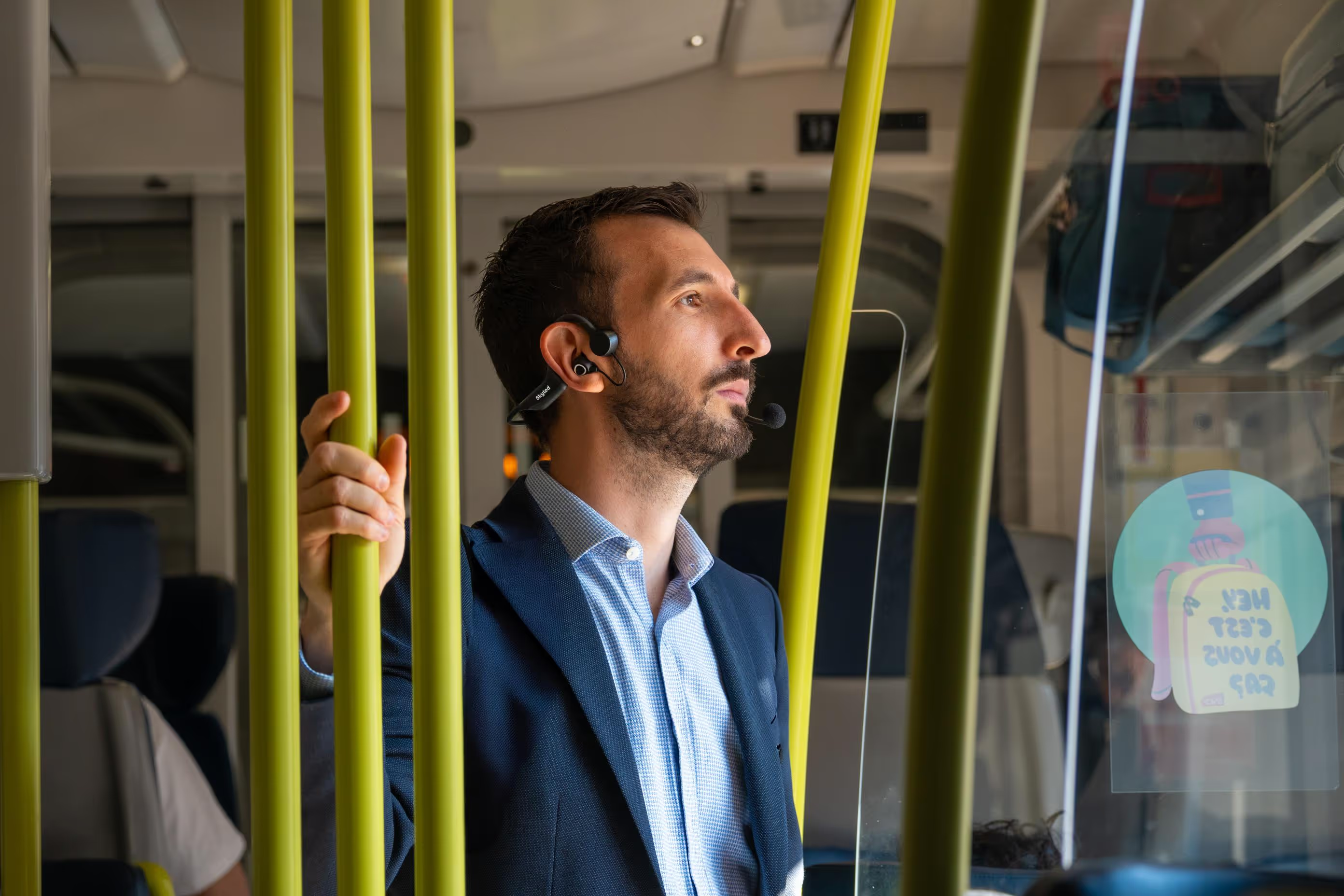
On the platform, on board or at a café table, the people around you don’t need to hear your call or your AI prompt. Keep your voice low: your caller still hears you, even in the noise.
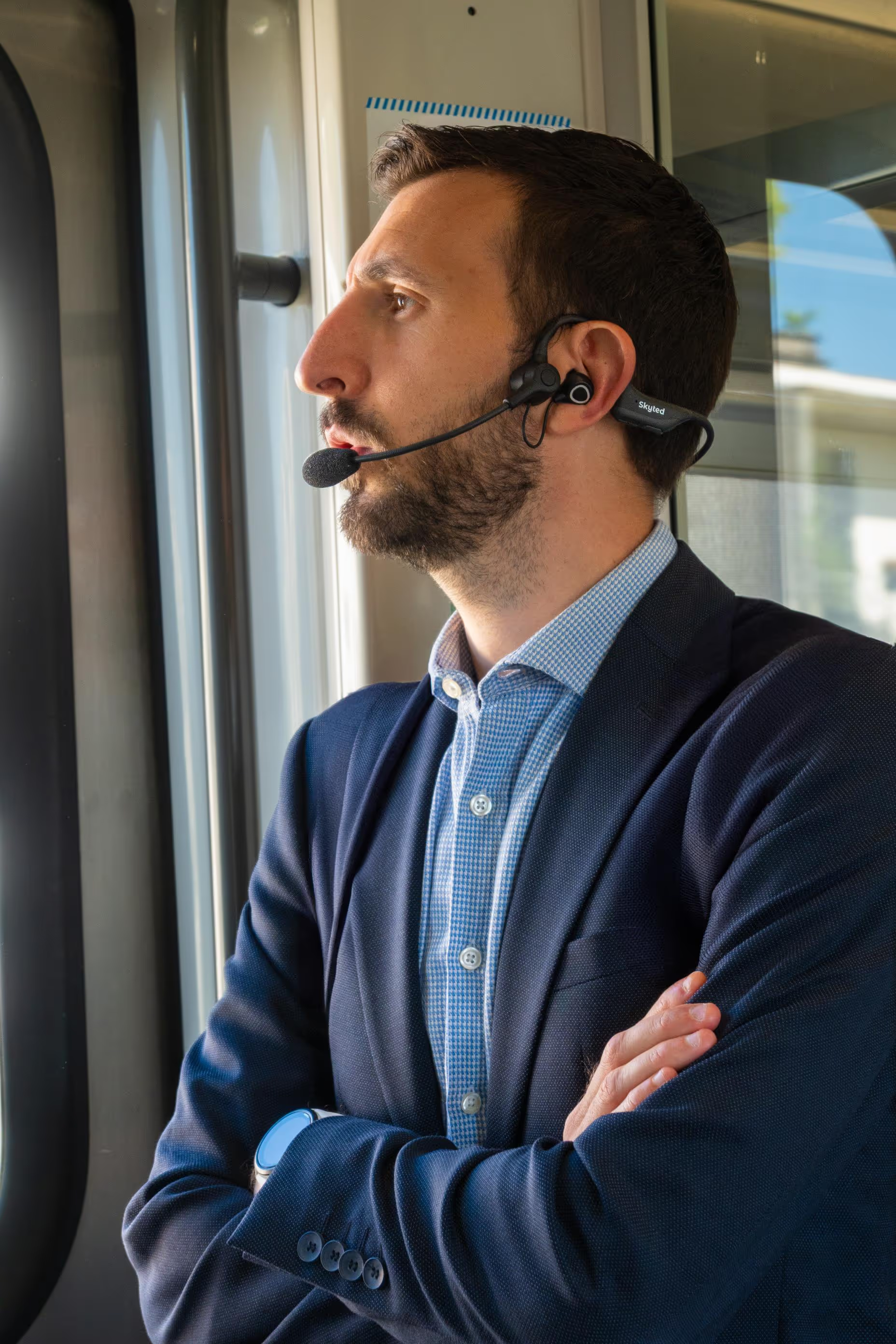
Talk to your AI and take calls in a low voice, without disturbing the people around you.
Play the recording, then switch: what your caller hears, and what the people next to you hear.
AI-generated illustration.
Train, metro, bus
On the platform, on board or at a café table, the people around you don’t need to hear your call or your AI prompt. Keep your voice low: your caller still hears you, even in the noise.
Plane
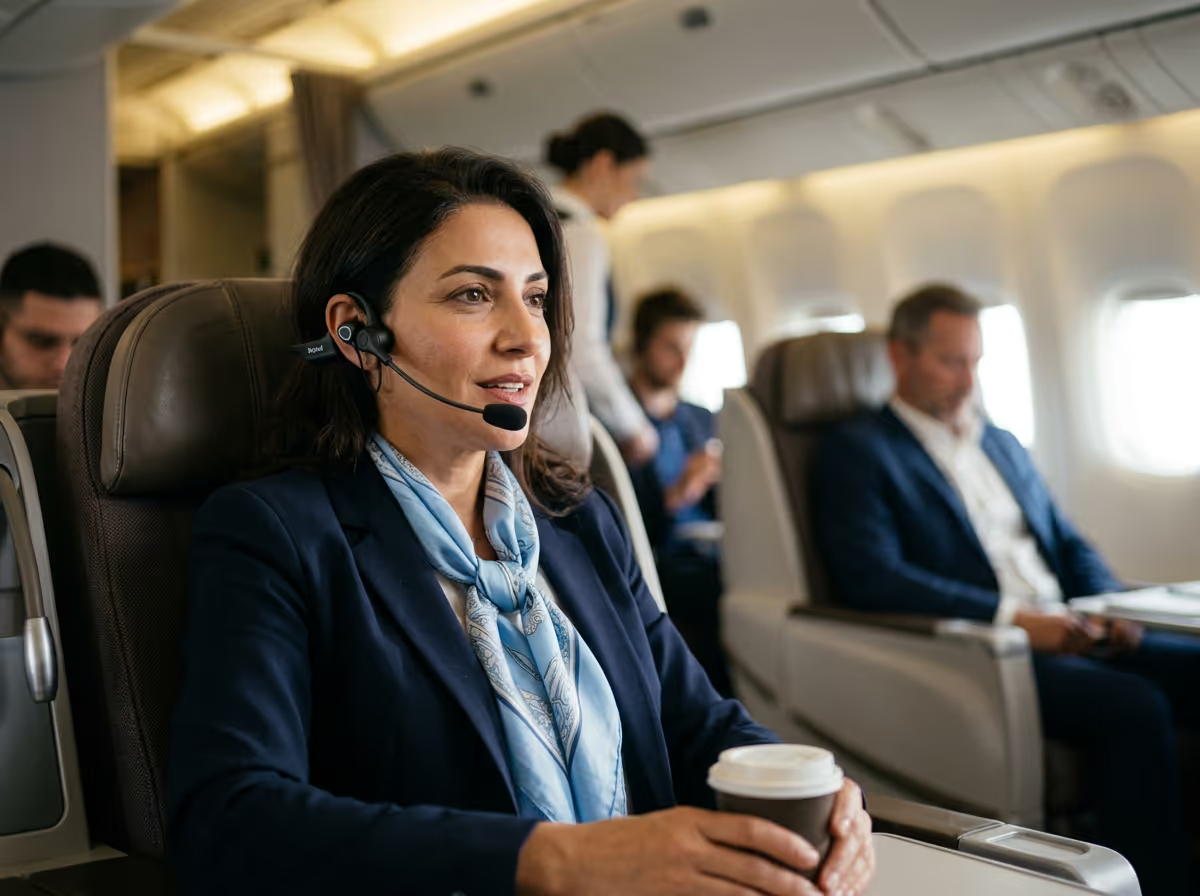
On a plane, your neighbor sits close for hours. Dictate in flight without disturbing them, and take calls where your airline allows them.
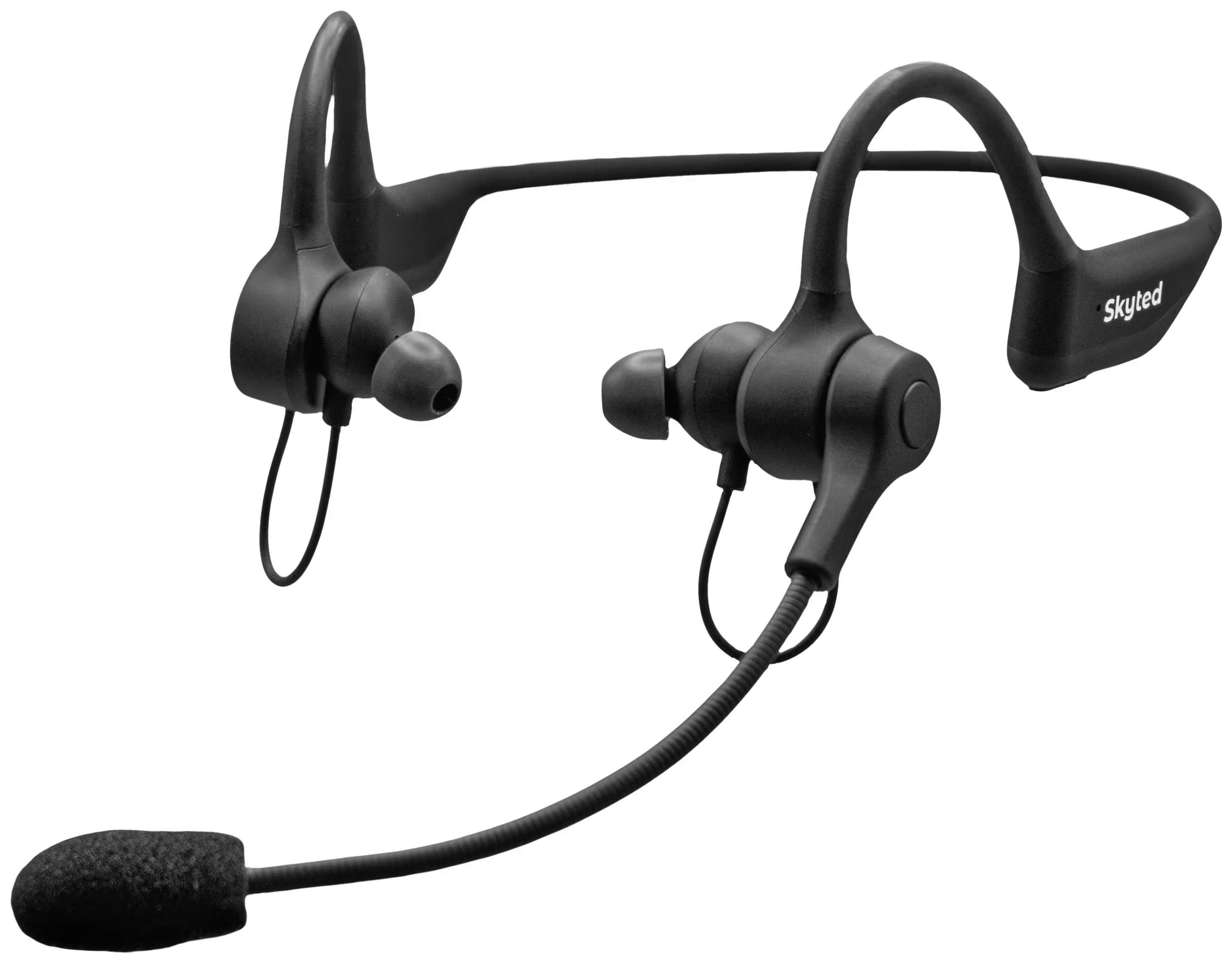
Whisper 320
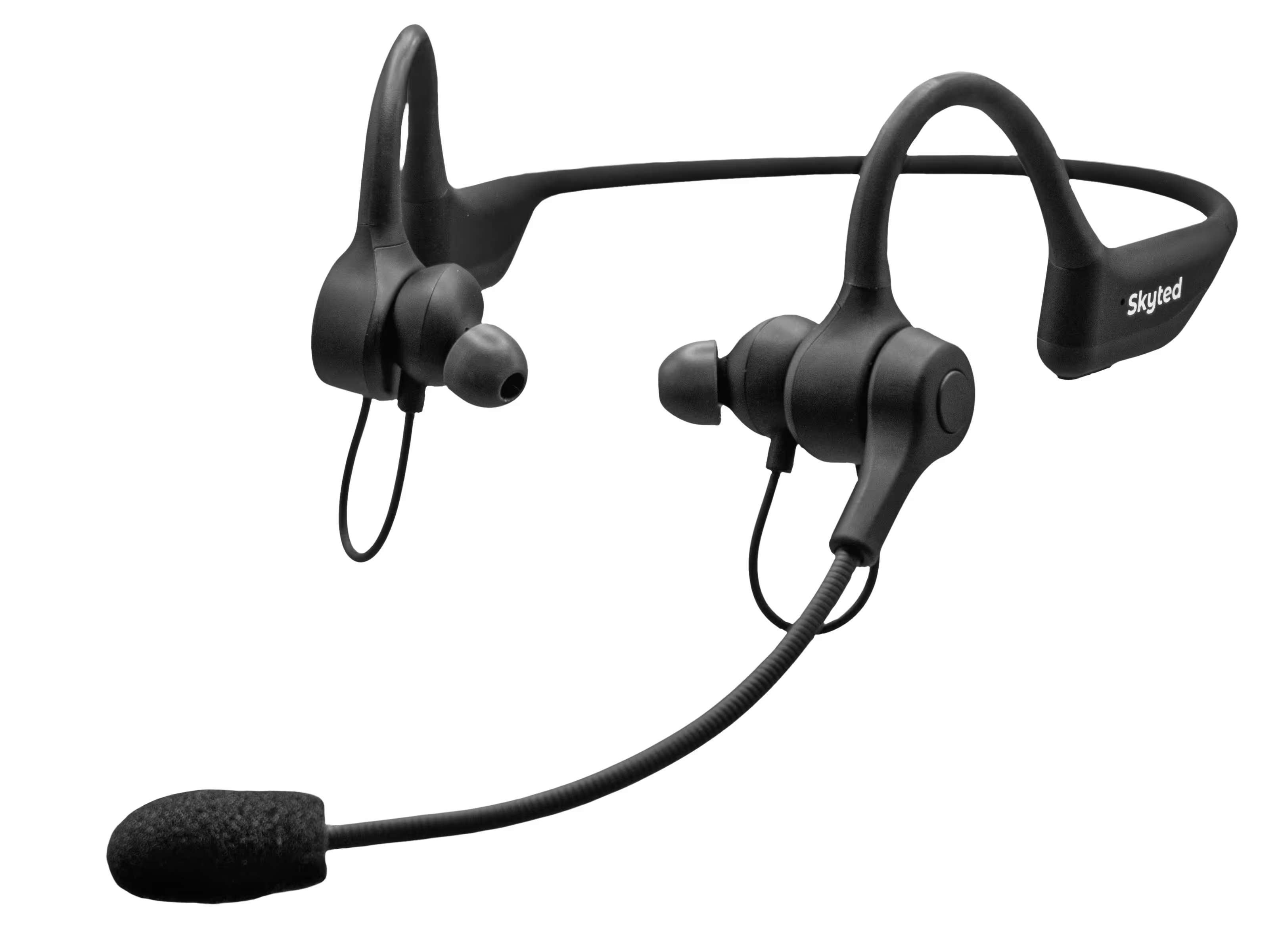
Its boom microphone sits close to your mouth, so a low voice is enough. People around you hear a murmur, not your words.

iPhone and Android phones, Mac and Windows computers. Zoom, Microsoft Teams, Google Meet, WhatsApp, ChatGPT and Claude, among others. It connects by Bluetooth, or with the USB-C dongle included. Choose the Whisper 320 as your microphone in the app.
Make a short test call, then lower your voice step by step. Ask the other person if they still hear you well.
In very quiet places, even a low voice can be heard. Keep some distance where you can, and follow the rules of the venue.
No. Noise-cancelling headsets cut the noise you hear. The Whisper 320 works on your voice, so a low voice is enough.
No. Skyted does not record or store your calls in the cloud. Your calling and AI apps keep their own rules.
Whisper 320
Calls, dictation, your AI. In a low voice.
Teams in the office?
Technicians in the field?
A soft or tired voice?